
We may earn money or products from the companies mentioned in this post.
Worried you’ll spend weeks choosing tools and still have nothing playable? Start with Godot if you want to build a small 2D desktop game and are willing to learn a little scripting with AI help. Try GameMaker if you’d rather connect visual actions than write your first script. Unity makes more sense if the tutorial or template you want already uses it, and Unreal is a better fit when a 3D idea is the reason you’re making the game in the first place.
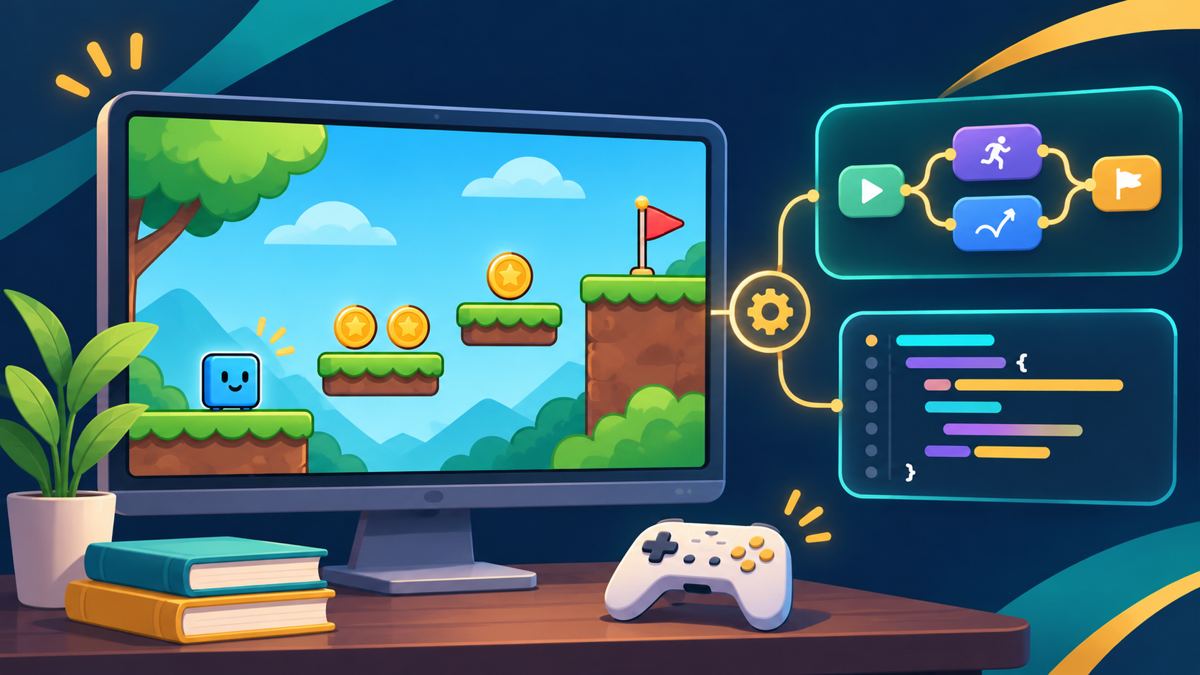
Before you commit to any of them, give yourself one job: make a character collect three coins, show a win message, and export a copy that runs on someone else’s computer. That will tell you more than a weekend of watching engine comparisons.
Which engine should you try first?
| Engine | Try it first if… | How you build the first mechanic | What to check before selling |
|---|---|---|---|
| Godot | You want a small 2D game and are open to short scripts | Build a scene, then add a GDScript for movement and pickups | Include the required engine license notice |
| Unity Personal | You have a Unity tutorial, template, or asset workflow in mind | Put a player and coins in a scene and add C# components | Confirm eligibility for the Personal tier |
| Unreal Engine 5 | You want a 3D game and prefer to wire gameplay visually | Start from a template and connect Blueprint events | Check Epic’s game licensing, release notification and royalty terms |
| GameMaker | You want a 2D game with visual action blocks | Use GML Visual to build object events for movement and pickup | Check the paid commercial license before monetizing |
These picks are based on the documented workflows and licensing checked November 17, 2026. They aren’t the results of a timed test.
Godot: My default for a small 2D game
Godot gives you a clear first milestone: put your player in a scene and make it move. Then make a coin its own scene so you can drop three copies into the level. If a script fails, you only have a few moving parts to inspect. Godot’s first 2D game tutorial is a good roadmap, but it assumes some programming experience. If you’re completely new, ask an AI assistant to explain each change and tell you which node it belongs on.
Godot is available under the MIT license. You can sell your own game, and you’ll need to include the engine’s copyright and license notice when you distribute it. For a more ambitious example of AI assistance, see the Claude and Godot prototype breakdown. Your own first test can be much smaller.
Unity Personal: Follow a tutorial or template you can actually finish
Unity is a sensible pick when you’ve already found a tutorial that matches what you want to build. Start with a blank 2D project or a simple template. Learn to find the player object, attach a script, and see errors in the Console before you import a whole asset pack. Unity Essentials walks beginners through the editor, components, scripts and basic builds.
Unity Personal is free for eligible users. Unity lists a $200,000 threshold for its defined Total Finances over the most recent 12 months; how it measures that amount depends on your situation. Use tutorials that match your installed Unity version, especially when asking AI for code. Otherwise, you can lose time untangling instructions meant for a different version.
Unreal Engine 5: Choose it when the 3D idea calls for it
Unreal’s Blueprints let you connect events and actions without typing the equivalent C++ code. Start with a template and make a single coin disappear when the player touches it. Add the counter once that works. Connecting nodes can make the logic easier to see, but you’ll still have to trace what happened when a node doesn’t run.
For games under Epic’s standard royalty terms, the usual rate is 5% on qualifying lifetime gross product revenue above $1 million, subject to exclusions and other terms. Read Epic’s licensing page before release. For a first weekend project, ask a more immediate question: can your computer run the editor comfortably while you’re learning?
GameMaker: Use visual actions for a first 2D game
GameMaker’s GML Visual lets you assemble logic from action blocks. For the coin test, work one event at a time: key press moves the player, touching a coin adds to the score, and reaching three triggers the win screen. If you’re using an AI assistant, ask it for the order of the visual actions. A pasted code snippet isn’t much help if you don’t yet know how to translate it into your project.
GameMaker’s licensing page lists a free noncommercial tier and a one-time $99.99 Professional license for commercial use. Console export is listed separately under Enterprise. If you’re prototyping for desktop now and hope to sell later, budget for the license before you launch.
Give any engine the same first-game test
- Pick one camera view and one room. Use basic shapes for the player and coins.
- Get movement working before adding pickups. Run the scene after every change.
- Add three pickups, a visible count and a restart button. Make sure restarting clears the count.
- Export a desktop build. Have someone open it without the editor installed. Ask what happens on launch and whether they can finish and restart the game.
- Replace the placeholder art only after the game runs. Keep a note of where each asset came from and what its license allows. The AI game art tools guide can help you choose tools for that step.
A prompt to try: “I’m using [engine and version]. Give me one small change to make the player collect a coin. Name the exact file, object or node to change, then tell me what I should see when I press Play. Stop there.”
If Steam is your goal, keep notes as you build. Valve’s Content Survey distinguishes AI-assisted content that ships to players, such as generated artwork or dialogue, from content generated while the game is running. It asks about safeguards for the latter. An export that works is an early milestone; you’ll still need to meet the store’s separate submission requirements.
Pick one engine and finish the coin test before you try another. If you can send a working build to a friend, you’ve learned the part of game development that matters most for your first project: how to get an idea out of the editor and into someone else’s hands.
Pingback: Top 5 AI Games on Steam to Study (October 2026): Sales and AI Use – First AI Game
Pingback: Claude Built a 500-Enemy Godot Prototype. Here’s the Lesson for Your First Game. – First AI Game