
We may earn money or products from the companies mentioned in this post.
Roblox says more than 500,000 people tried Build in its first four test markets and published more than 70,000 games. Build is the prompt-to-game tool inside the Roblox app. It generates a playable first version from a description, then lets you ask for changes. On November 13, Roblox confirmed that eligible users in Canada could use it too.
What the 500,000 and 70,000 figures count
The first number is people who tried Build. The second is games published. Roblox hasn’t said how many distinct creators published, how those games performed with players, or how many people returned to make a second game. The figures come from Roblox and cover the original alpha markets of New Zealand, Singapore, Serbia, and Thailand.
Roblox shared both numbers on its October 29 earnings call. The new development in the November 13 announcement was wider access. Roblox reported that the vast majority of Build users had never opened Roblox Studio before. That’s an interesting early sign that some players are willing to try creating a game when they can start inside the app they already use.
What can you make with Roblox Build?
Roblox’s creator guide says Build focuses on simple 2D and 2.5D games. Think of a short puzzle, a clicker with upgrades, or a game where you dodge obstacles and try for a higher score. Give the game one action to start with, then ask Build to change a specific part once you can see what works.
- Describe the goal and how to reach it. For a first game, ask for a single-screen ferry puzzle where you time a crossing and win by delivering three passengers.
- Play the first version before prompting again. Check whether you can see the crossing window, tell which bank to reach, and restart after a missed crossing.
- Change one thing at a time. If the timing feels arbitrary, ask for a clear signal before the safe crossing window. Keep the rest of the game the same while you test that change.
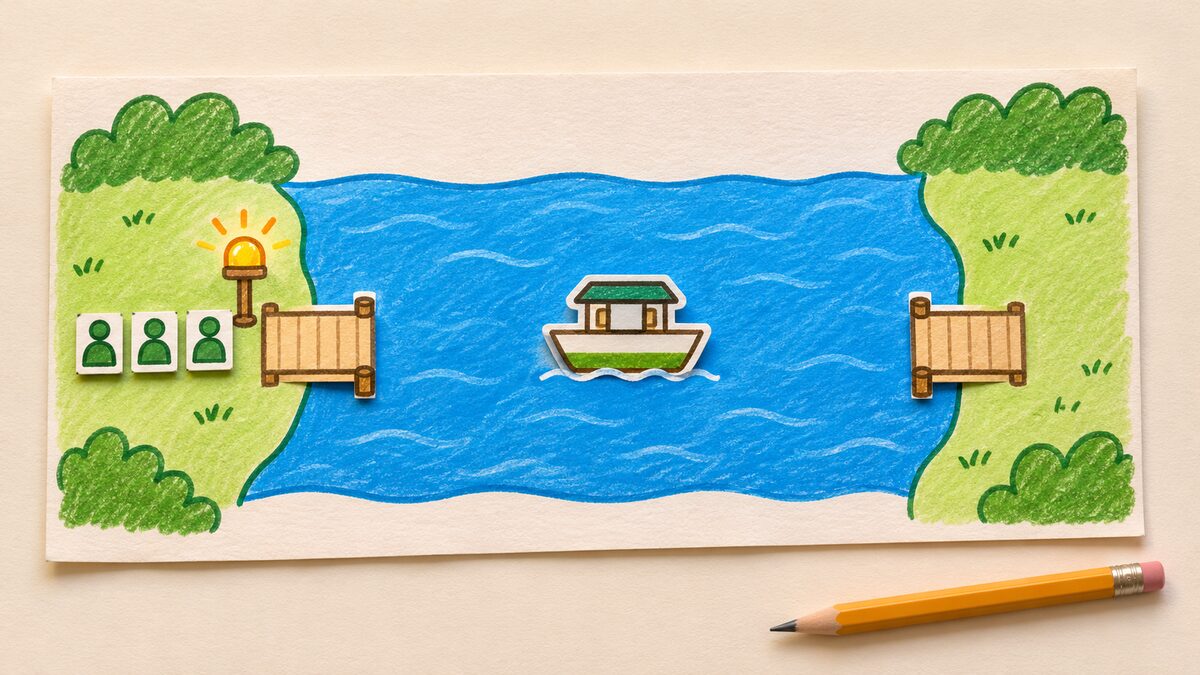
That’s an example prompt and test plan. It gives you something to check before spending your daily AI usage on more levels or extra art. Roblox Support lists a private preview option for eligible players, so you may be able to ask a friend to try the game before you publish. See the account’s available sharing controls because features can differ during the rollout.
Where is Build available, and what does it cost?
Roblox Support lists New Zealand, Singapore, Serbia, Thailand, and Canada on iOS, Android, and desktop. It says the feature requires an age-checked account for someone at least nine years old in an available region. Roblox said it planned a wider U.S. release later in 2026. Check the current Build support page before deciding whether you can follow the workflow.
Creator age and player age are different. Roblox says games published through Build default to an audience aged 16 and older, even though eligible age-checked creators can use Build from age nine. To reach younger players, creators can apply through Roblox Select, which includes a content review. See the Roblox Creator Hub FAQ.
Build is free to start. A daily allowance covers AI prompts and follow-up changes. Playing and testing a build doesn’t draw from that allowance. Once you hit the daily limit, Roblox says you can wait for a reset or use Robux to buy more usage.
When would you move into Roblox Studio?
Build is a useful first step when you want to see if a simple idea is fun. Opening a Build game in Studio is possible, but Roblox says editing it in Studio permanently converts that version into a standard Studio game. Keep edits in the Build chat if you want to preserve its Build status. Changes beyond prompting, such as adding custom code, can also require you to complete the content-rating questionnaire before publishing.
Studio also has its own AI workflows. A separate November 5 Studio beta lets creators generate an R15 character animation from text through Studio Assistant or the MCP connection. If you’re still choosing where to build, see our beginner game engines guide for a practical first-project test.